Install the CLI and official Skill
NamesLink CLI queries domains, manages DNS, and publishes static websites from your terminal. Run commands yourself, or install the official Skill in your own compatible tool to run the same CLI.
1. Install the public CLI
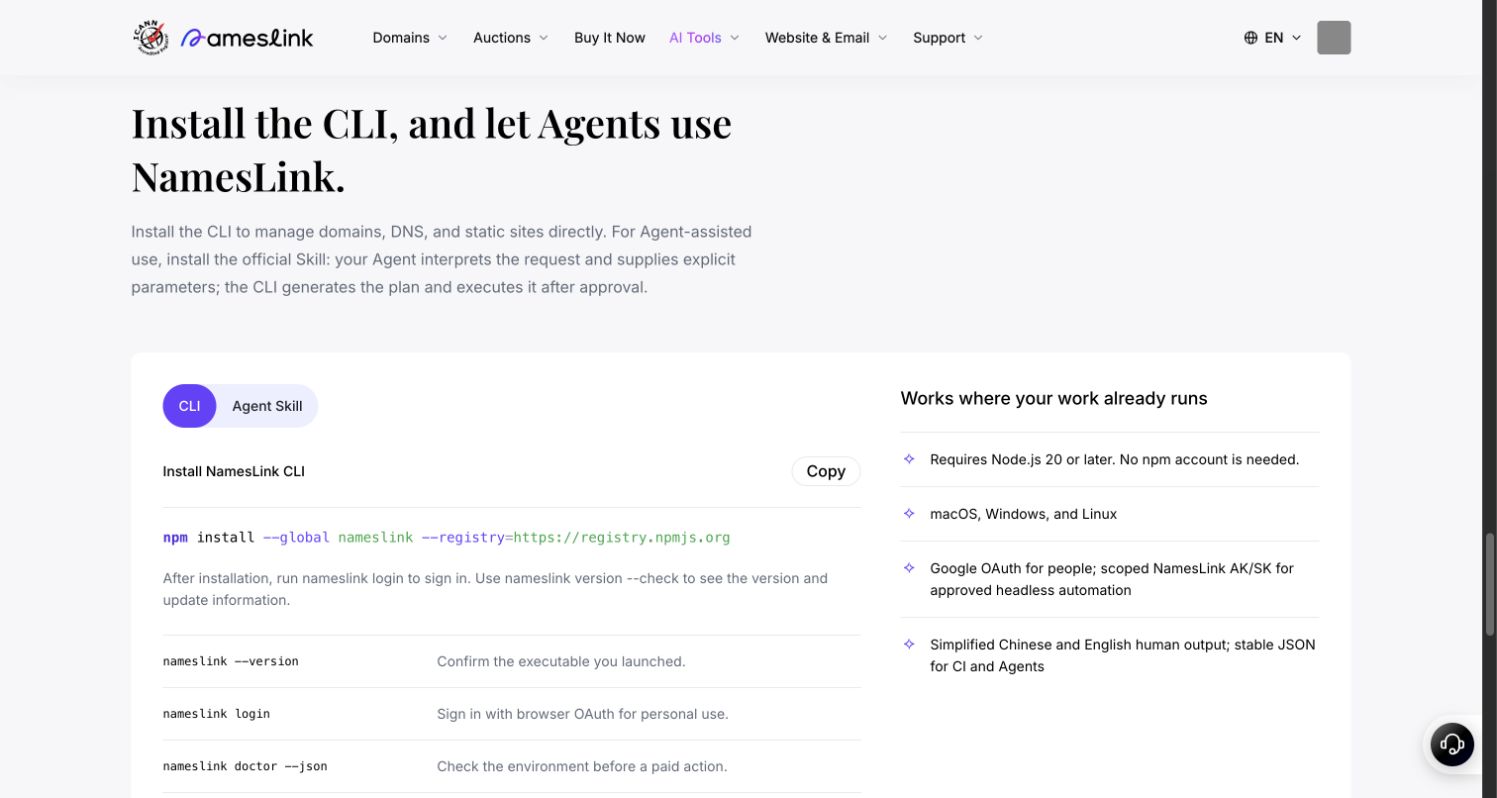
Use Node.js 20 or newer on macOS, Windows, or Linux:
node --version
npm install --global nameslink --registry=https://registry.npmjs.org
nameslink --version
The public package is nameslink. Installation does not require an npm account. A version response confirms that this terminal can find the CLI.
Account details are masked in this screenshot. Select it to view the full-size image.
2. Sign in to NamesLink
nameslink login
nameslink whoami
nameslink doctor
login normally opens a browser for Google OAuth. Return to the original terminal after authorization. Use whoami to check the account and API address. The public CLI defaults to https://www.nameslink.com/api. Check the browser account and terminal account separately.
doctor checks the version, login, credential storage, and connectivity. Follow its next actions. Diagnostic screenshots may include account data; mask them before sharing.
3. Start with read-only commands
nameslink domain search studio --limit 5
nameslink domain check example.com --json
nameslink capabilities --json
The first two commands query public domain information without purchasing or registering anything. example.com is reserved for documentation, not a registration recommendation. capabilities shows what the current environment and account actually support. A command's presence alone does not prove business availability.
After signing in, you can also inspect your domains and DNS:
nameslink domain list --json
nameslink dns records list example.com --json
Replace example.com in the second command with your domain. In these guides, <site-id>, <release-id>, and similar angle-bracket values are placeholders. Replace the entire placeholder, including the brackets, before running a command.
4. Install the official Skill
Use your own tool that supports local Skills and can run commands on your computer. Pasting a request into a web chat does not give that tool access to your local CLI.
nameslink skills install --global
Reload Skills in that tool, or start a new conversation if needed. Try this initial request:
Read the official NamesLink Skill. Run doctor and capabilities and explain what this account can do. Use read-only commands. Before any purchase, DNS change, or website publication, show me the exact target, changes, and cost, and wait for my approval.
The Skill provides workflow rules; the CLI executes commands. Installing the Skill does not register a domain or publish a site. The tool using the Skill still needs your approval for payments and changes. Follow CLI verification prompts without putting passwords or codes in chats, command arguments, or screenshots.
Updates and next steps
nameslink version --check
Use the returned upgrade advice when an update is needed. Continue to buy a domain and manage DNS, publish a static website, or CLI troubleshooting.