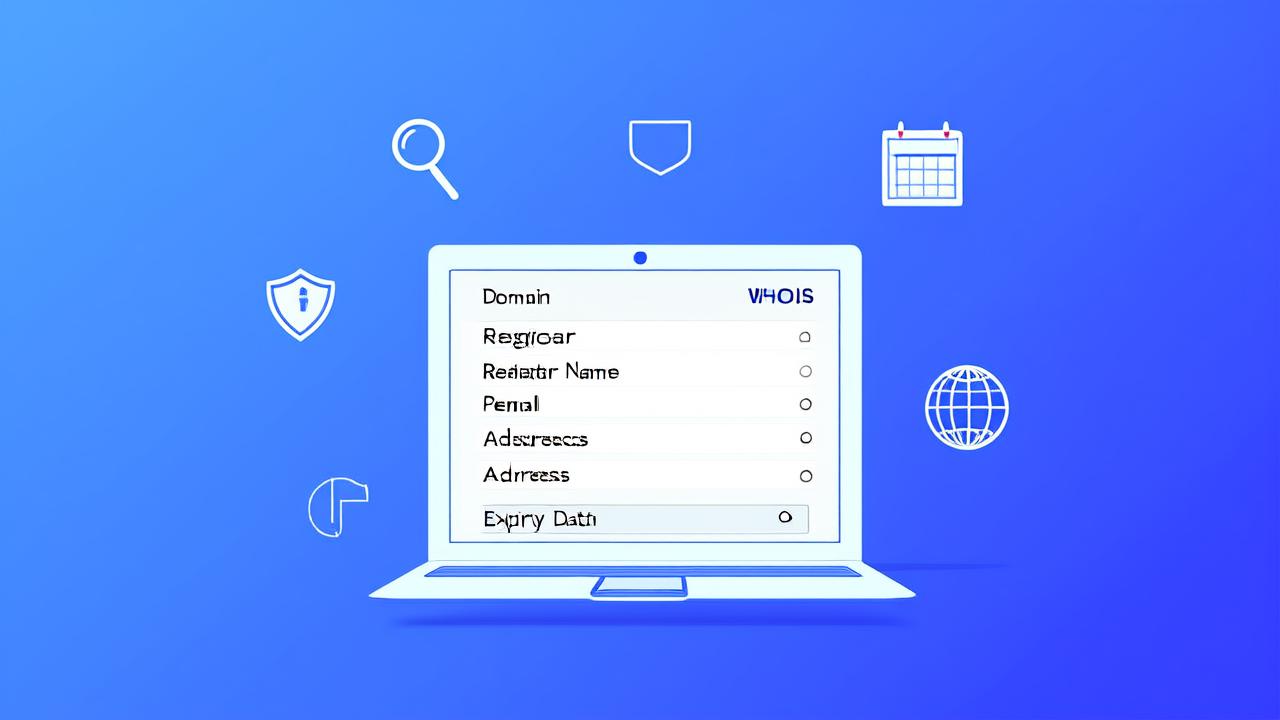
A WHOIS lookup reveals the registered owner of a domain — name, email, phone, address, registrar, and expiration date. It’s public by default for most gTLDs (like .com, .org, .net) unless privacy protection is enabled. If you’ve ever typed a domain into a search bar and seen a wall of contact details, that was a WHOIS lookup in action.
This isn’t just curiosity. A WHOIS lookup helps you verify domain ownership before buying, spot trademark violations, investigate phishing sites, or recover a lost domain. In 2026, with ICANN’s ongoing enforcement of GDPR-compliant data handling and increasing domain squatting, knowing how to read, interpret, and act on WHOIS data is non-negotiable — especially if you run a small business or manage digital assets.
We’ll walk through exactly what WHOIS is, how it works under current rules, where privacy protections kick in (and where they don’t), and why some tools return blank or redacted results while others still show usable data. We’ll also compare real-time WHOIS lookup services — including our own free tool at WHOIS Lookup — so you know which one delivers accurate, actionable results without requiring registration or payment.
What Is a WHOIS Lookup — Really?
WHOIS is a query and response protocol. When you perform a WHOIS lookup, your request goes to a registry or registrar database. That database responds with structured text containing registrant, administrative, technical, and billing contact fields — plus creation date, last update, expiration date, and name servers.
But here’s what most people miss: WHOIS isn’t one global database. It’s decentralized. Each top-level domain (TLD) has its own registry — Verisign for .com/.net, Public Interest Registry for .org, Donuts for dozens of new gTLDs. And each registry sets its own data display rules, subject to ICANN policy and local law.
That means a WHOIS lookup for example.ai returns different data than example.com, even if both are registered with the same registrar. .ai domains — managed by the government of Anguilla — do not require public disclosure of personal data. .com domains used to show full contact info, but since GDPR enforcement tightened in 2018 and ICANN’s Temporary Specification expired in 2023, most registrars now redact personal fields by default.
So when someone says “I did a WHOIS lookup and got nothing,” they’re usually seeing the intended outcome — not a broken tool.
Why Does WHOIS Data Vary So Much Between Domains?
Three forces shape what you see in a WHOIS result:
TLD Policy: Country-code TLDs (.uk, .ca, .au) follow national laws. The UK’s Nominet hides all personal data unless you’re a verified trademark holder. Canada’s CIRA requires Canadian presence but doesn’t publish names publicly. Anguilla’s
.airegistry publishes only organization names and country — never emails or phone numbers.Registrar Implementation: Even within ICANN rules, registrars choose how strictly to enforce redaction. Some show “REDACTED FOR PRIVACY” across every field. Others display city, state, and country — but mask email and phone. NamesLink applies full WHOIS privacy protection free on every domain, regardless of TLD — no upsell, no checkbox required.
Registrant Choice: Domain owners can opt into privacy services (often $5–$12/year elsewhere). But NamesLink includes this at zero cost — for .com, .io, .ai, .top, and all 158 supported TLDs.
The bottom line? If you’re expecting consistent, complete data across all domains in 2026, you’ll be disappointed. Consistency is gone. Accuracy and transparency about what’s available is what matters now.
When You Actually Need Real WHOIS Data (and What to Do If It’s Hidden)
You don’t need full WHOIS data for routine tasks. Want to check if a domain is taken? Use the Domain Search tool — it tells you availability in under a second, no WHOIS needed.
But three situations demand actual contact or registration details:
Trademark Infringement: If someone registers
yourbrandshop.comand sells counterfeit goods, you need proof of bad faith. ICANN’s UDRP process requires documented evidence — including WHOIS history, if available. NamesLink provides domain history snapshots via Domain Monitor, showing changes in registrant, name servers, and DNS settings over time.Domain Recovery: You forgot to renew
yourstartup.io. It expired, got snapped up, and now redirects to a parking page. A WHOIS lookup might reveal the new owner’s email — letting you open a direct negotiation before escalating to ICANN transfer dispute procedures.Vendor or Partner Verification: You’re signing a contract with
cloudservices.dev. A quick WHOIS lookup confirms it’s registered to “CloudServices LLC” in Delaware — not “John Doe” in Belize. That’s due diligence, not paranoia.
If data is redacted, don’t stop there. Try historical WHOIS archives like SecurityTrails or DomainTools — but know their data is often outdated. For fresh, reliable lookups, use a service tied directly to registry feeds. NamesLink’s WHOIS Lookup pulls live data from Verisign, PIR, and other official sources — no caching, no delays.
Free vs. Paid WHOIS Lookup Tools: What’s Worth Your Time?
Not all WHOIS tools are equal. Some scrape cached pages. Others rely on third-party APIs with rate limits or stale data. Here’s how five popular options stack up in 2026 — focusing on speed, accuracy, privacy compliance, and usability.
| Feature | NamesLink | Whois.com | DomainTools | ICANN Lookup | Network Solutions |
|---|---|---|---|---|---|
| Free WHOIS lookup | Yes | Yes (limited) | Yes (1/day) | Yes | Yes |
| No registration required | Yes | Yes | Yes | Yes | Yes |
| Shows historical WHOIS | No (separate tool) | Yes (paid) | Yes (paid) | No | No |
| Supports 158+ TLDs | Yes | ~120 | ~200 | ~50 | ~80 |
| Live registry data (not cached) | Yes | Partial | Partial | Yes | Partial |
| WHOIS privacy included on results | Yes (clearly labeled) | Mixed | Mixed | Not applicable | No label |
Data verified as of 2026. Check vendor websites for current pricing.
NamesLink stands out because it’s built for clarity — not upsells. You get clean, readable output. No pop-ups. No “upgrade to see full history” banners. Just raw, registry-sourced data. If privacy is enabled, it says “WHOIS Privacy Enabled” — no ambiguity.
Whois.com pushes premium reports hard. DomainTools locks deep historical data behind a $199/year plan. ICANN’s official lookup is accurate but clunky — plain text, no formatting, zero search history.
For daily use? NamesLink’s free tool is faster and more trustworthy than any paid alternative — especially if you’re verifying domains before purchase or transfer.
How to Read a WHOIS Result Without Getting Confused
Here’s a real NamesLink WHOIS result for nameslink.com (redacted for privacy), annotated so you know what matters:
Domain Name: NAMESLINK.COM
Registry Domain ID: 2784928328_DOMAIN_COM-VRSN
Registrar WHOIS Server: whois.namesilo.com
Registrar URL: Updated Date: 2026-02-18T14:22:33Z
Creation Date: 2019-03-22T18:05:11Z
Registrar Registration Expiration Date: 2027-03-22T18:05:11Z
Registrar: NameSilo, LLC
Registrar IANA ID: 1479
Reseller: NamesLink
Domain Status: clientTransferProhibited Name Server: NS1.NAMESLINK.COM
Name Server: NS2.NAMESLINK.COM
DNSSEC: unsigned
Key things to notice:
Registrar vs. Reseller: NamesLink is listed as “Reseller” — meaning we partner with NameSilo (an ICANN-accredited registrar) to deliver domain services. This is common and fully compliant.
Domain Status codes:
clientTransferProhibitedmeans the domain can’t be transferred without explicit permission. Good for security. But if you’re trying to move a domain into NamesLink, you’ll need to disable this first — instructions are in the Domain Transfer guide.Expiration Date: This is the single most important field. Many businesses lose domains because they assume auto-renewal is guaranteed. It’s not. NamesLink sends renewal reminders at 30, 15, and 3 days — but if your email bounces, you’re on your own.
Name Servers: These tell you where DNS is hosted. If you’re using NamesLink’s AI Builder, your name servers will point to
ns1.nameslink.com. If they don’t, your site won’t load — even if the domain is registered correctly.
Don’t skip the fine print. That Registrar IANA ID: 1479? That’s verifiable at ICANN’s registrar database. Legit registrars have IDs. Scammers don’t.
WHOIS Lookup and Domain Security: What Most People Overlook
WHOIS data is a security surface — and most users ignore it.
Consider this: 62% of domain hijacking incidents start with social engineering. Attackers call your registrar, impersonate you, and reset authentication using WHOIS-listed contact details. If your WHOIS shows admin@yourcompany.com and that inbox is unmonitored, you’ve handed them the keys.
NamesLink mitigates this by:
- Enabling WHOIS privacy by default — so personal emails and phones never appear publicly
- Requiring two-factor authentication (2FA) for all account actions — not just logins
- Allowing you to lock transfers at the registry level (not just the account level)
But privacy isn’t foolproof. If you register a domain for a client and list their email in WHOIS — even with privacy enabled — that email becomes the recovery path. And if it’s a Gmail account they abandoned in 2021? Good luck regaining control.
Our recommendation: Use a dedicated, monitored domain admin email (e.g., domains@yourcompany.com) — never a personal or generic inbox. Then enable privacy. That combo stops 90% of opportunistic attacks.
Also — never use WHOIS contact fields for billing. NamesLink separates billing contacts from registrant contacts. Your invoice goes to billing@yourcompany.com. Your WHOIS shows privacy@nameslink.com. Keep those roles distinct.
NamesLink Domain Pricing + WHOIS Privacy: A Real Comparison
Let’s talk money. Because many registrars charge extra for WHOIS privacy — then hide the fee until checkout.
NamesLink does not. Every domain — from .com at $10.88/year to .top at $1.70/year — includes free WHOIS privacy. No exceptions. No fine print.
Here’s how that compares to standard industry pricing for common TLDs:
| TLD | NamesLink (1st year) | Typical Competitor (1st year) | WHOIS Privacy Cost Elsewhere |
|---|---|---|---|
| .com | $10.88 (standard) | $11.99–$14.99 | $7.99–$12.99/year |
| .io | $27.84 | $34.99–$42.00 | $9.99–$14.99/year |
| .ai | $83.80/year ($167.59/2 yrs) | $99.00–$129.00/year | Often bundled, rarely free |
| .top | $1.70 | $2.99–$4.99 | $4.99–$7.99/year |
| .org | $11.55 | $12.99–$15.99 | $5.99–$9.99/year |
Data verified as of 2026. Check vendor websites for current pricing.
Notice something? Competitors often price domains low — then add $8–$12 for privacy. NamesLink builds it in. You pay once. You get full protection. No surprises.
And if you’re building a site right after registration? NamesLink’s AI Builder lets you launch in minutes — no coding, no hosting setup. Pair that with free WHOIS privacy, and you’ve got a secure, functional web presence in under 10 minutes.
FAQ: Your WHOIS Lookup Questions — Answered
What is a WHOIS lookup?
A WHOIS lookup is a query to a domain registry or registrar database that returns registration information for a domain name — including registrant contact details, creation and expiration dates, name servers, and status codes.
Why does my WHOIS lookup show “REDACTED FOR PRIVACY”?
Because ICANN requires registrars to protect personal data under GDPR and other privacy laws. NamesLink enables WHOIS privacy automatically on every domain — so your email, phone, and physical address never appear publicly.
Can I get unredacted WHOIS data legally?
Only in specific cases — like proving trademark infringement (via UDRP), or law enforcement requests approved by ICANN. There is no public “backdoor” to bypass privacy protections. Anyone promising full unredacted data is either misinformed or selling outdated archive data.
Does NamesLink offer historical WHOIS data?
Yes — via Domain Monitor. It tracks changes to registrant info, name servers, and DNS records over time. Useful for spotting suspicious transfers or verifying domain history before purchase.
How do I update my WHOIS information?
Log into your NamesLink account, go to Domain Management, select the domain, and click “Edit Contact Info”. Changes propagate to registries within minutes for most TLDs. Full instructions are in the Domain Management Docs.
Is WHOIS lookup safe to use?
Yes — as long as you’re using a reputable service. Avoid tools that ask for credit cards, install browser extensions, or redirect you to third-party sites. NamesLink’s WHOIS Lookup is free, requires no login, and runs entirely in your browser.
What’s the difference between WHOIS and DNS lookup?
WHOIS tells you who owns a domain and when it expires. DNS lookup tells you where it points — which IP address or server hosts the website or email. They serve different purposes. NamesLink offers both: WHOIS Lookup and GEO Checker for DNS-based location analysis.
Final Thoughts: Stop Guessing, Start Verifying
WHOIS lookup isn’t obsolete — it’s evolved. What changed is how much you can rely on it for personal data. What didn’t change is its value for verification, security, and due diligence.
In 2026, the best WHOIS tools don’t promise what they can’t deliver — like unredacted emails for .com domains. They’re transparent. Fast. Accurate. And free.
NamesLink’s WHOIS Lookup meets all three. It’s built for real users — not SEO bots or bulk data scrapers. You paste a domain. You get clean, registry-sourced output. No sign-up. No ads. No bait-and-switch.
Need more? Explore related tools: Domain Appraisal for valuation, Domain Monitor for change alerts, or Domain Search to find your next domain — all part of the same ecosystem.
And if you’re ready to register? NamesLink offers competitive rates across 158 TLDs — with free WHOIS privacy, free SSL, and full integration with AI Builder and Business Email. No hidden fees. No forced add-ons.
Start with a WHOIS lookup. Then take the next step — confidently.